How to Make Effective Flashcards
A practical guide to writing clear flashcards that test one idea, encourage active recall, and stay useful as you learn.
Posted by
 SwiftStudy Team
Related reading
How to Use Flashcards for Language Learning
Learn how to build vocabulary flashcards with useful context, pictures, and focused prompts instead of memorizing isolated word lists.
Active Recall with Flashcards: A Simple Study Routine
Use flashcards for active recall with a repeatable routine for exams, definitions, formulas, and other material you need to remember.
A good flashcard asks for one clear answer
The fastest way to make a deck frustrating is to put an entire page of notes on one card. A useful flashcard isolates one idea: one term, one fact, one relationship, or one step in a process. When a card is easy to judge, you can answer honestly and move on without debating whether your response was “close enough.”
Write prompts that force retrieval
Flashcards work best when you try to produce the answer before you reveal it. Replace vague prompts such as “Photosynthesis” with a specific question: “What does a plant convert into chemical energy during photosynthesis?” The effort of retrieving an answer is the useful part of the study session.
- Put the question or cue on the front and a concise answer on the back.
- Split lists into separate cards unless recalling the complete list matters.
- Use your own wording so the prompt matches how you understand the topic.
- Add just enough context to prevent two different answers from being valid.
Use pictures when the picture carries meaning
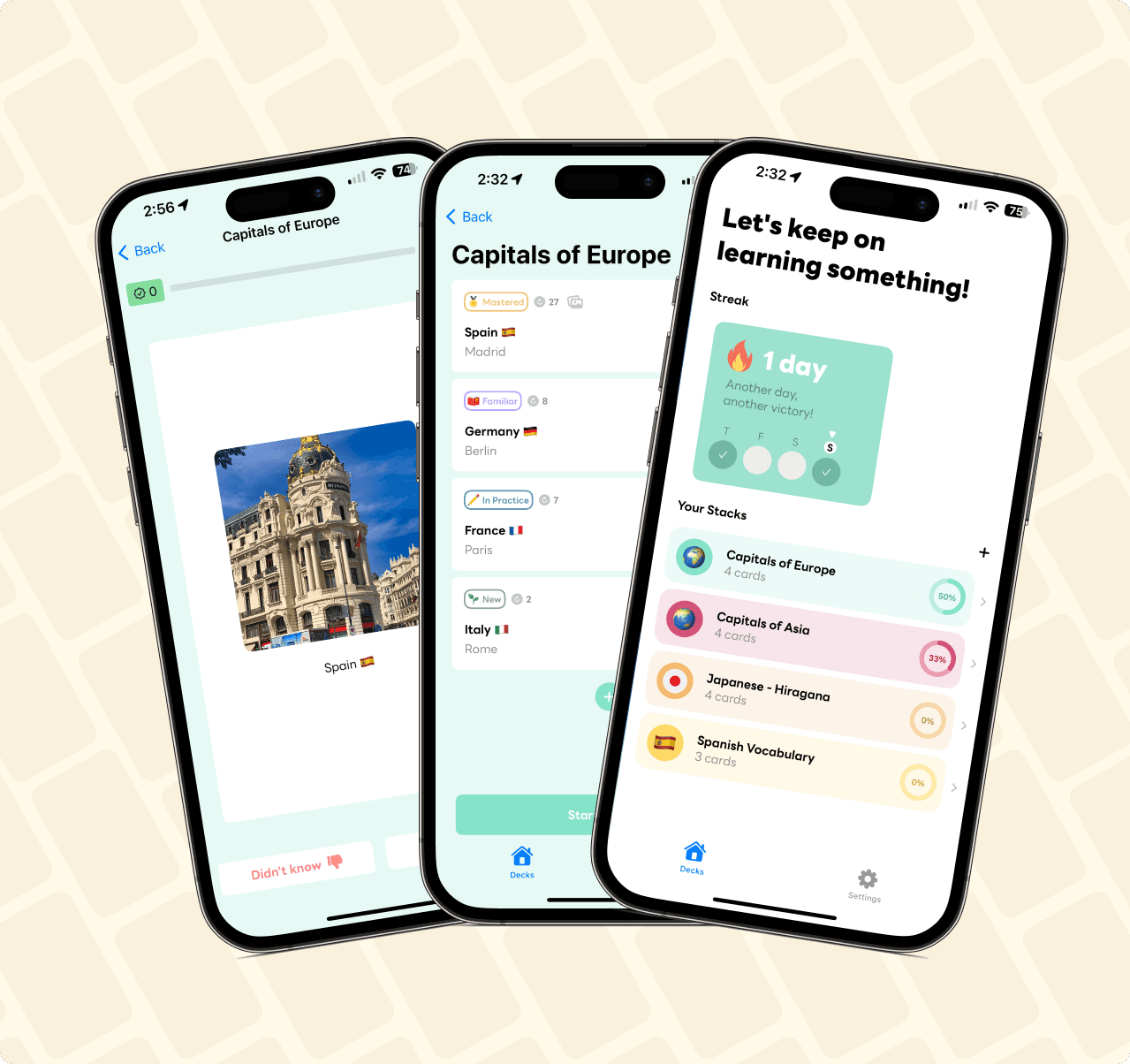
Images are especially useful for anatomy, art, geography, products, signs, and vocabulary. They should clarify the cue rather than decorate it. SwiftStudy supports text and pictures on double-sided cards; see how that works on the flashcards with images page.
Keep review sessions small and honest
A short session you repeat is more useful than a huge deck you avoid. Start with a manageable stack, answer before flipping, and mark a card as known only when you could produce the important part without help. SwiftStudy’s mastery levels make progress visible without adding more decisions to the session.
Ready to build a stack? Download SwiftStudy on the App Store.